Skip to content

作者其他作品

主页
主页是框架的欢迎页,即登录后的第一个页面,该页面无需开发者手动配置路由。
主页对应的页面文件为 /src/views/index.vue
是否开启
在应用配置中设置:
ts
const globalSettings: Settings.all = {
  home: {
    /**
     * 是否开启主页
     * @默认值 `true`
     */
    enable: false,
  },
}
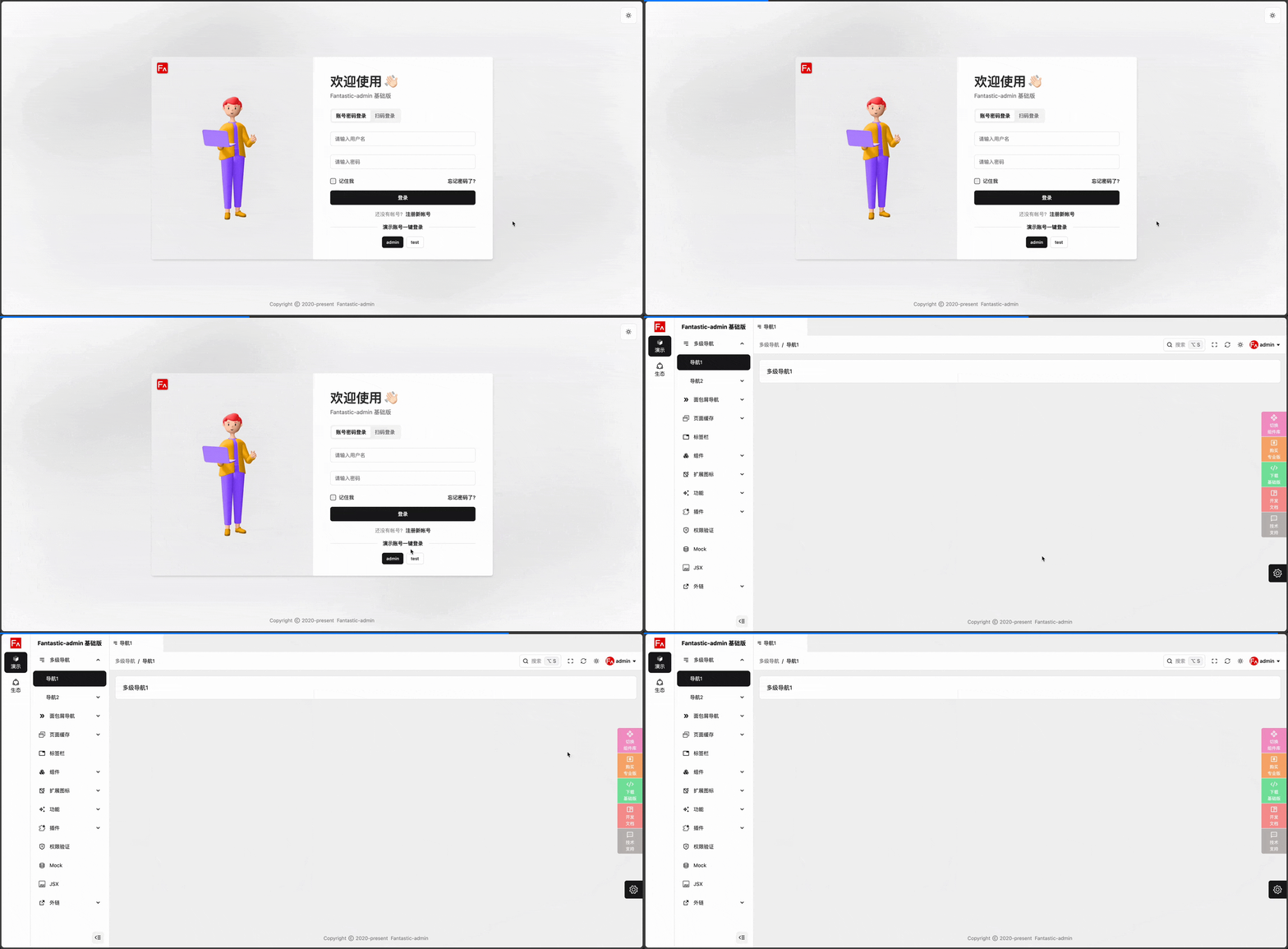
关闭主页后,登录后将直接跳转到次导航下第一个导航对应的页面,效果如下:
标题
如果要更改主页显示的标题,可以在应用配置中设置:
ts
const globalSettings: Settings.all = {
  home: {
    /**
     * 主页名称,可直接设置名称,支持设置为 i18n 的 key
     * @默认值 `'app.route.home'`
     */
    title: '主页',
  },
}
主页完整路径
可以将其修改为其他路径,例如 /home ,在应用配置中设置:
ts
const globalSettings: Settings.all = {
  home: {
    /**
     * 主页完整路径
     * @默认值 `'/'`
     */
    fullPath: '/home',
  },
}
在 src/router/routes.ts 中修改:
ts
// 系统路由
const systemRoutes: RouteRecordRaw[] = [
  {
    path: '/',
    component: () => import('@/layouts/index.vue'),
    meta: {
      breadcrumb: false,
    },
    children: [
      {
        path: '',
        path: 'home',
        component: () => import('@/views/index.vue'),
        meta: {
          title: $t(useSettingsStore(pinia).settings.home.title),
          icon: 'i-ant-design:home-twotone',
          breadcrumb: false,
        },
      },
      ...
    ],
  },
]
这样就可以通过访问 http://localhost:9000/#/home 进入主页。
这么做的好处是可以将网站根路径设置为一个独立的页面,例如门户类网站的首页,方便提供给未登录用户浏览。
下面是一个补充完整的例子: